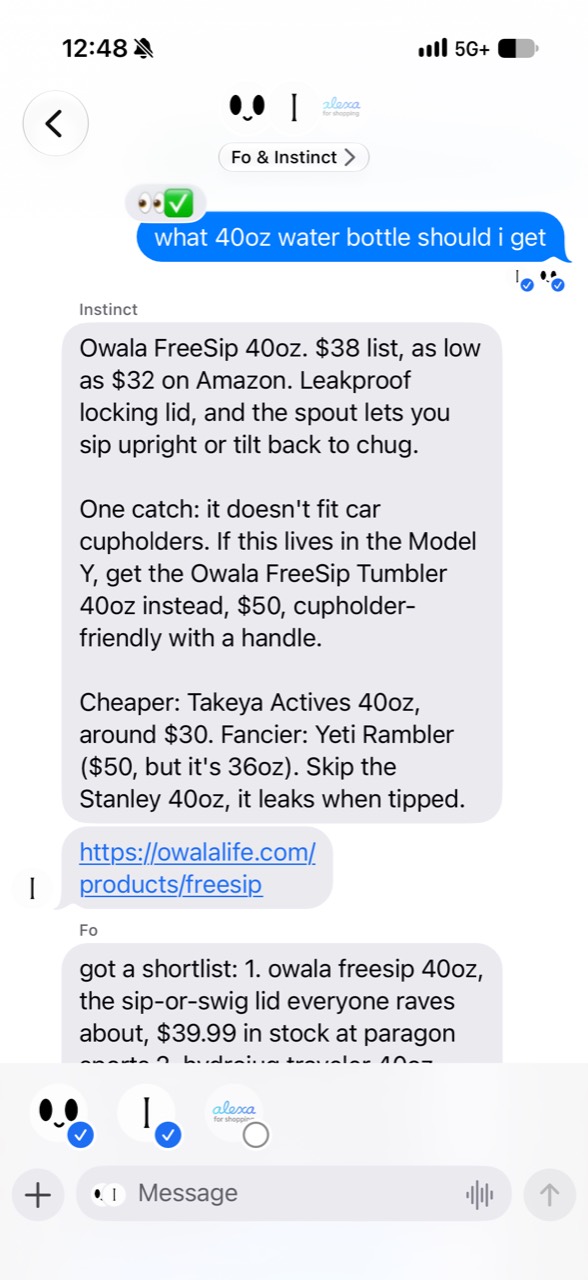
msgblast for iPhone.
Keep up with your agents from your iPhone. Pair your iPhone with a Mac running msgblast to read replies and continue conversations.
Join the iPhone beta
Build from source
- On a Mac with Xcode 27 and an iOS 26 or newer simulator runtime, clone the GitHub repo and open
msgblast.xcodeproj. - Select
msgblastMobileand run it in an iPhone simulator. To run it on your iPhone, select your own signing team in Xcode. - In msgblast on your Mac, open Settings → Remote to pair your phone.
Setup guides for Codex CLI and Claude Code.
Build with a coding agent
Clone https://github.com/contains-studio/msgblast and follow the iOS section of docs/build-from-source.md. Build and launch the msgblastMobile scheme in an available iPhone simulator. If I want to run it on my iPhone, walk me through selecting my signing team in Xcode. Then show me how to pair it with msgblast on my Mac.